Numeric Score

Properties
Label Text
Text for the score.
Score
Numeric value of the control.
Prefix
Prefix to appear in front of the score.
Suffix
Suffix to appear in at the end of the score.
Min
Number. Set's the numeric minimum of the gauge.
Max
Number. Set's the numeric maximum of the gauge.
Decimal Points
Number of decimal points to show for the score : 0, 1, 2.
Value Format
Format of the value:
Auto(default)1KMB
Font Size
Font size options for the value, prefix, suffix, placeholder.
SmallMedium(default)Large
Circle Size
Size options for the arc.
SmallMedium(default)Large
Display
Display options for the arc and the placeholder.
Column(default)Inline
Alignment
Alignment of the values
StartCenter(default)End
Color Display
Color Display Types:
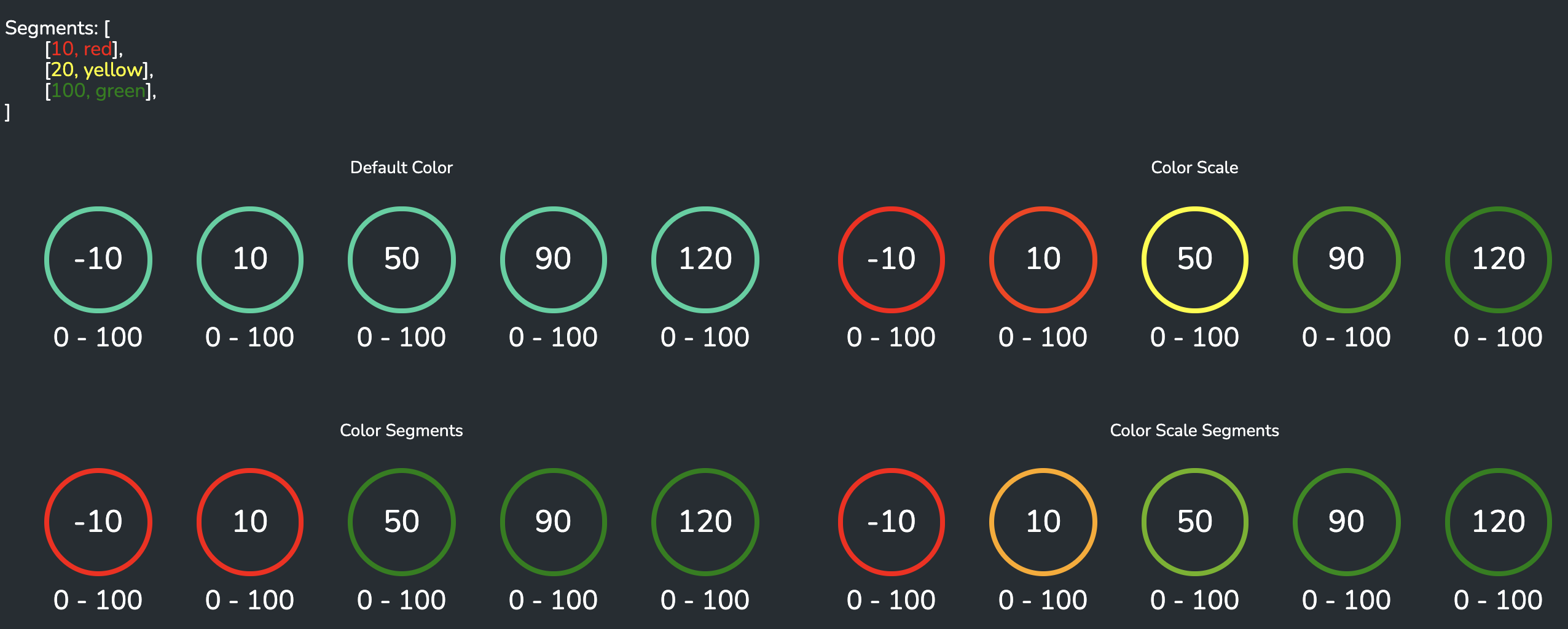
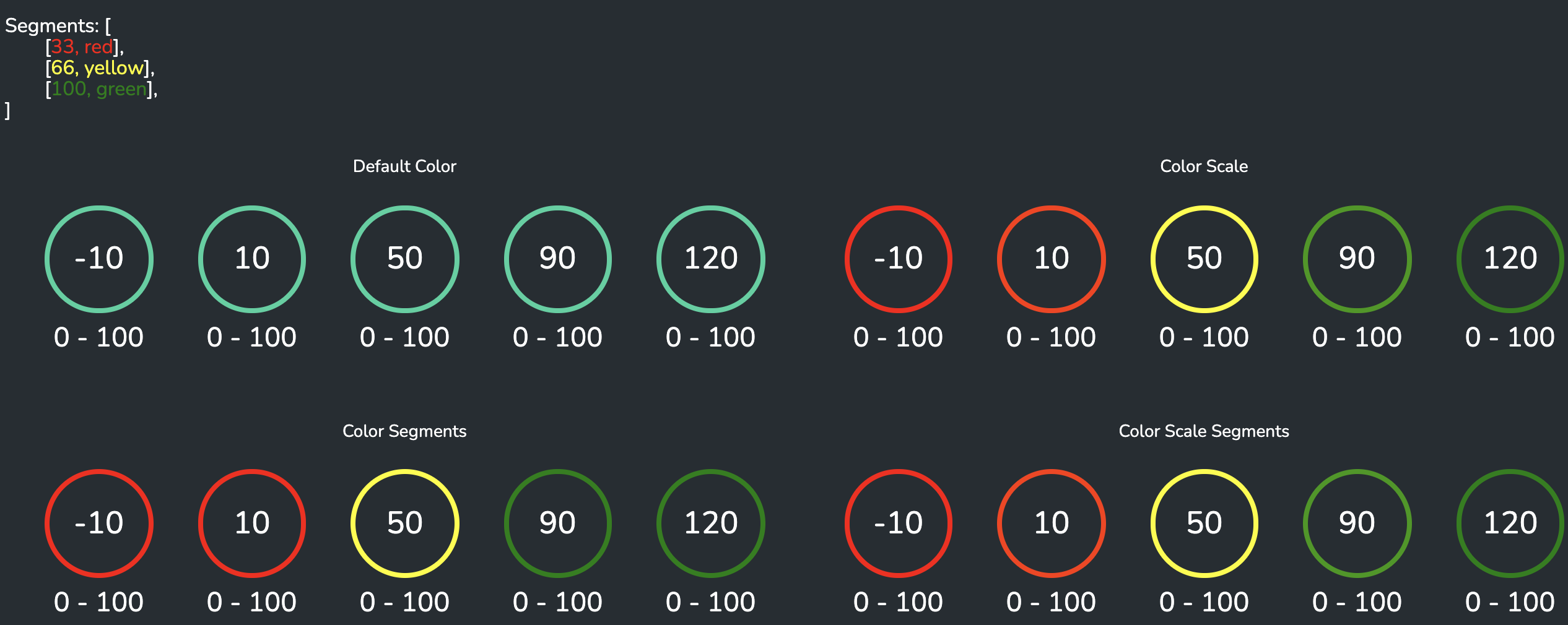
Default Color(default) shows the default theme color on the arc regardless of the value.Color Scaleshows the color based on the value in a color scale.Color Segmentsshows the color of the arc based on what the value is in a specific segment.Color Scale Segmentsshows the color of the arc based on what the value is in a specific segment scale.
Color Segments
An array of up to 5 segment thresholds and color. The segment is an array that holds a numeric value as the first value, and a string color as the second value.
The default value is an example of the red/yellow/green BCG colors spread evenly across a range of 0 to 100:
[
  [100, "#29BA74"],
  [66, "#D4DF33"],
  [33, "#E71C57"]
]
Segments with equal weights
Segments with different weights